Summary
Synapse-Sys started with an idea for executable relationships: what if the connection between two ideas could support the next step in exploration? I had one strong demo and a lot of unanswered product questions. I wanted something more useful than a chat box throwing text onto a canvas.
I was the solo product designer and design engineer, and I built it with heavy LLM assistance across 126 commits: graph interaction, AI operations, accounts, sharing, exports, AI budgets, pricing and checkout, security boundaries and the canvas. It is a functional closed beta, nearing launch. I do not have public adoption, retention or activation numbers.
The public build log
Start
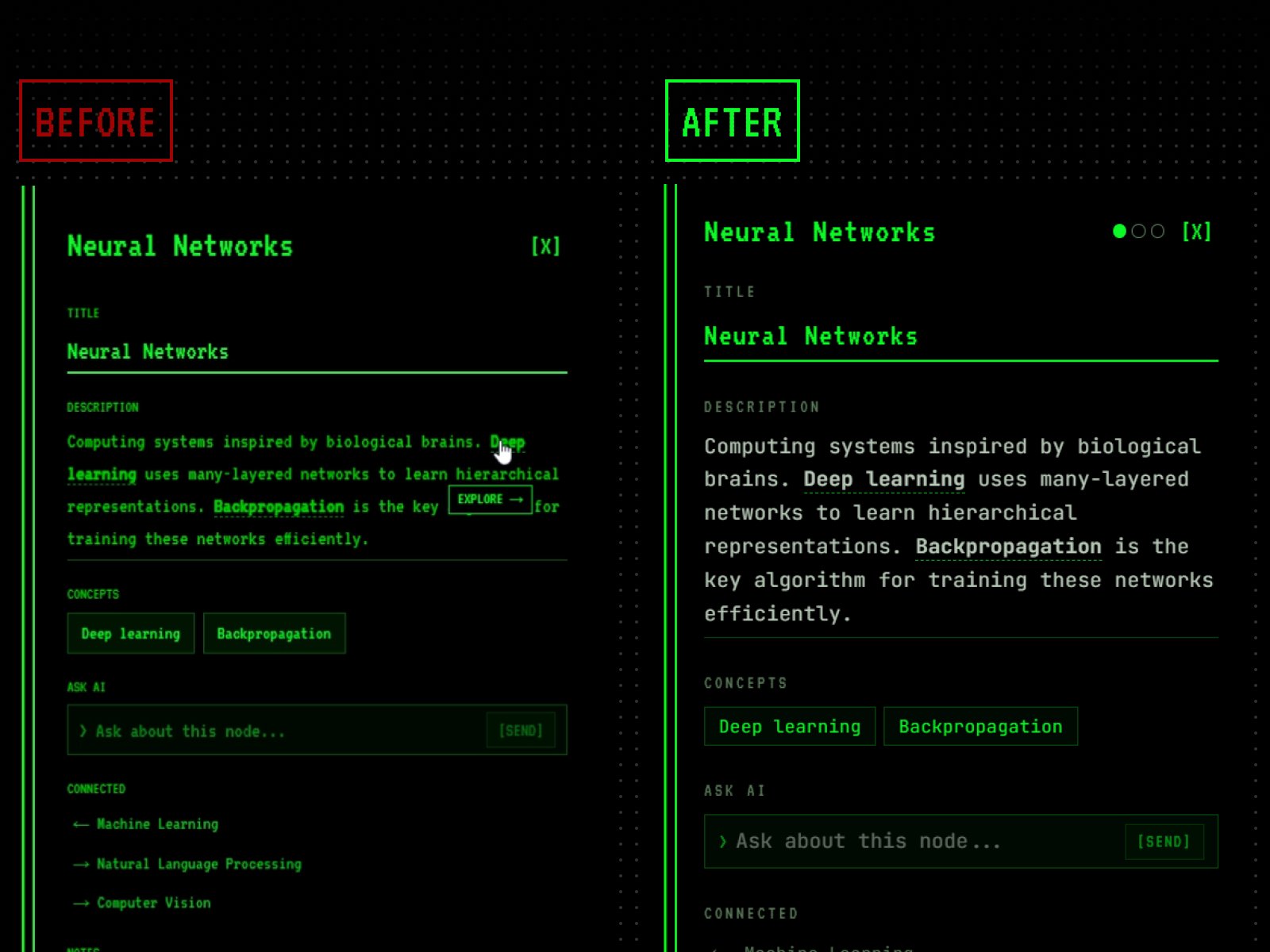
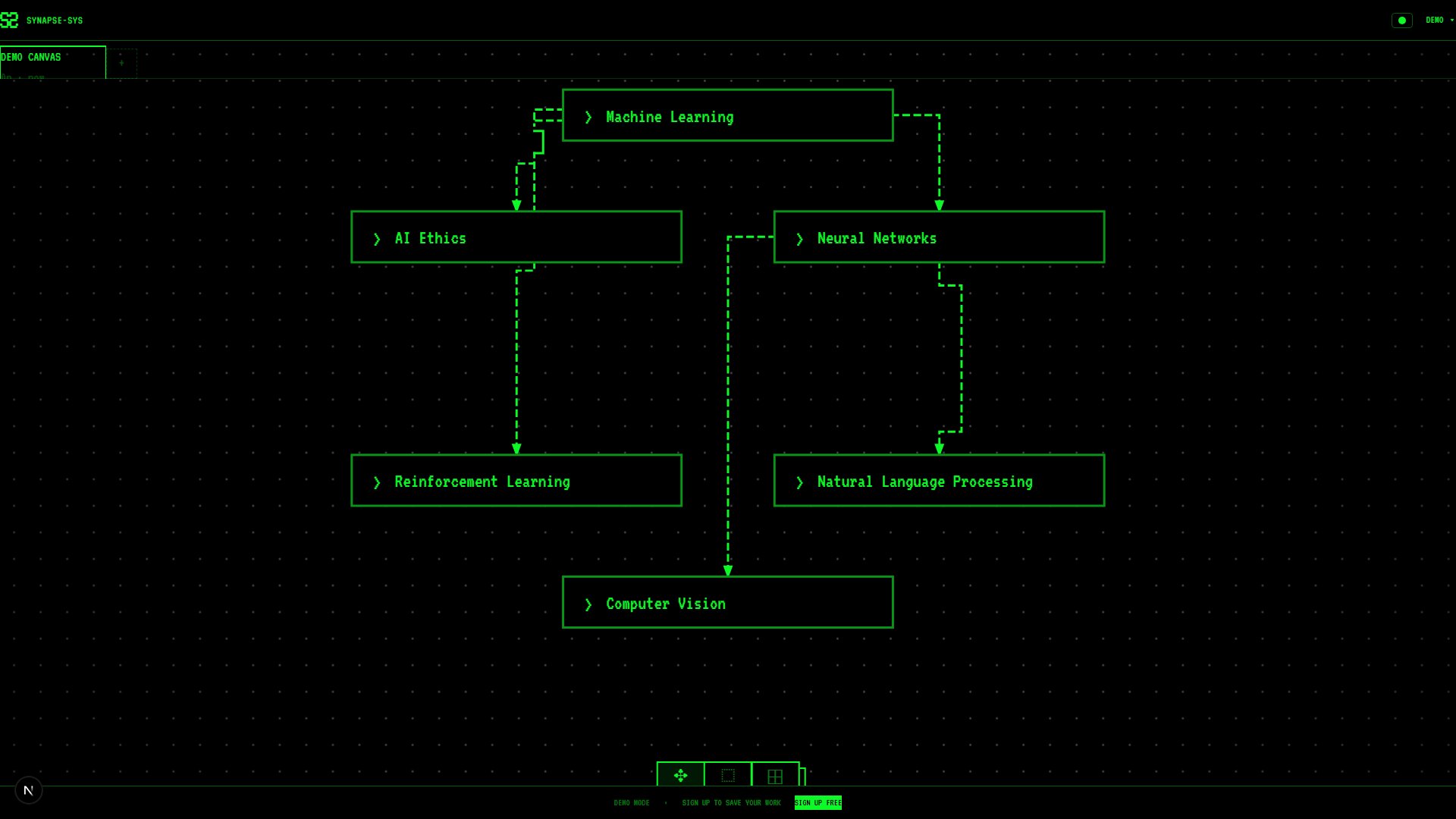
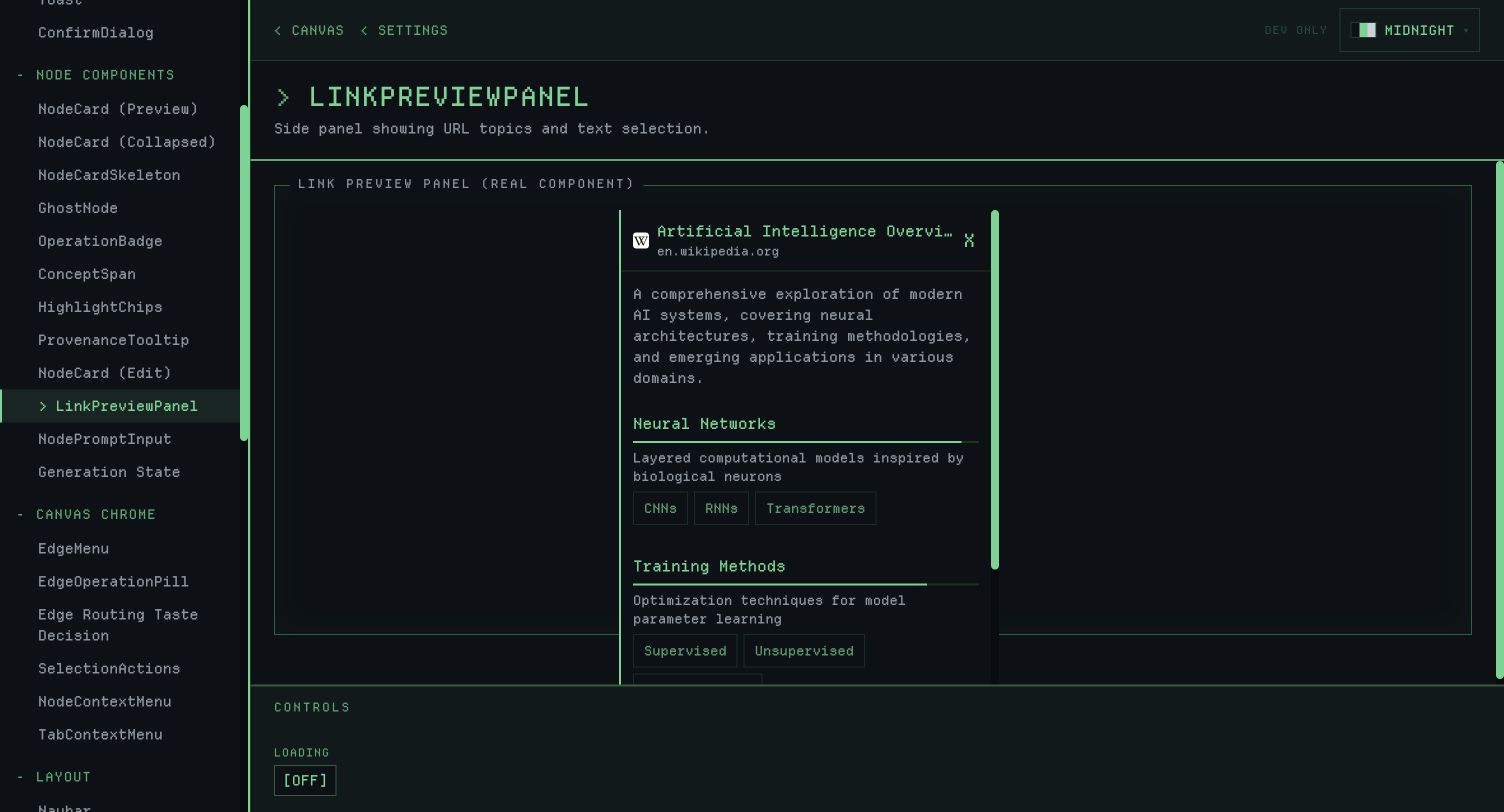
Side-panel rewriteThe same node detail, with more readable type, spacing and state controls.
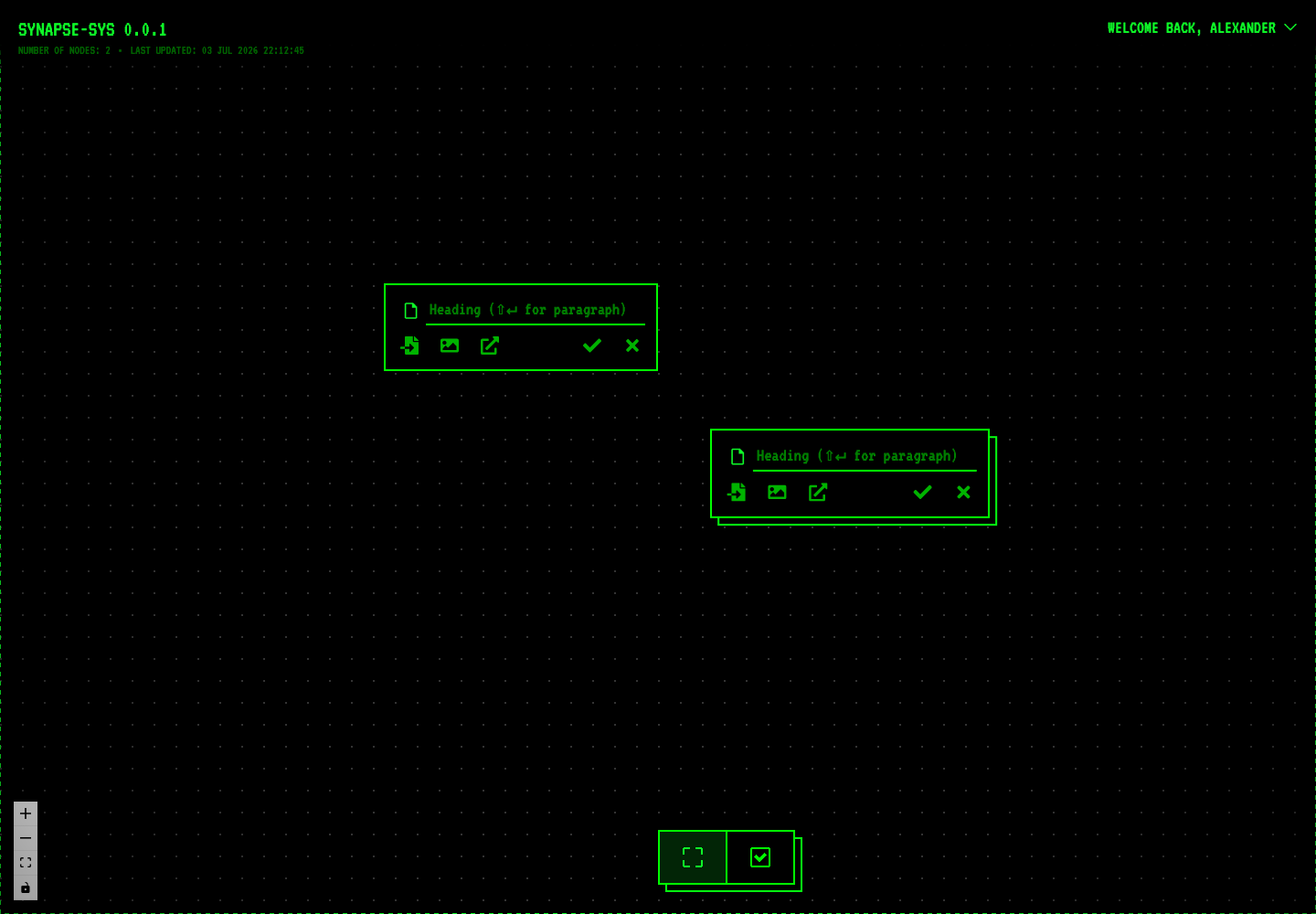
- Generation states
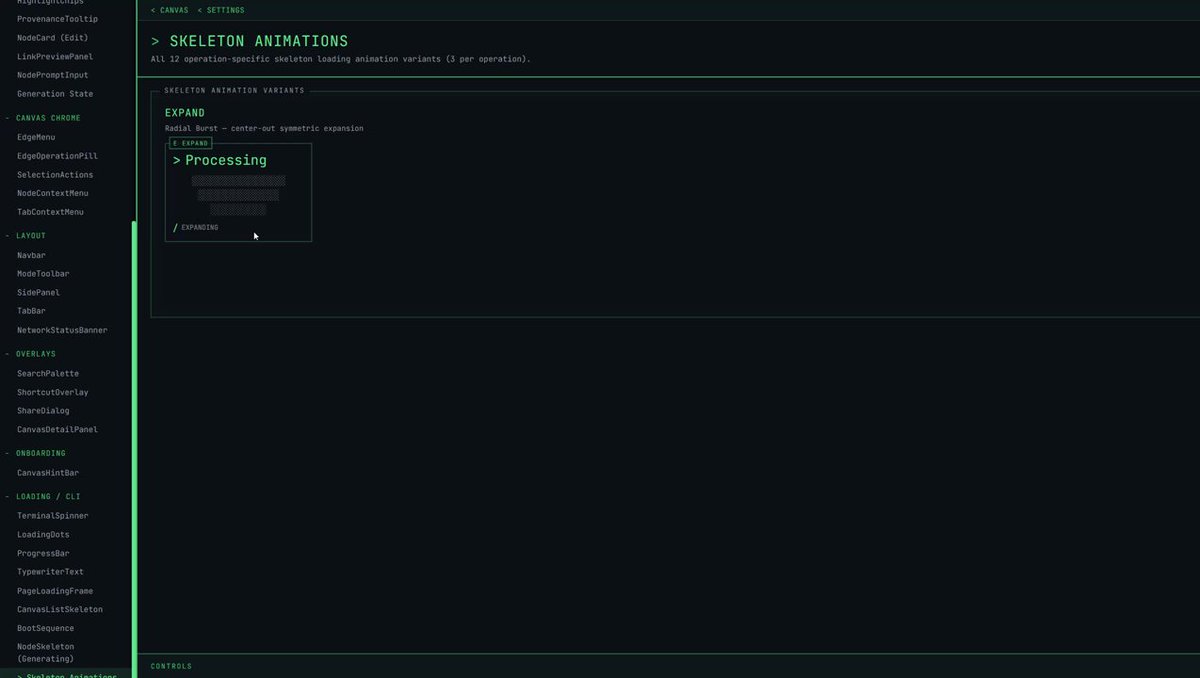
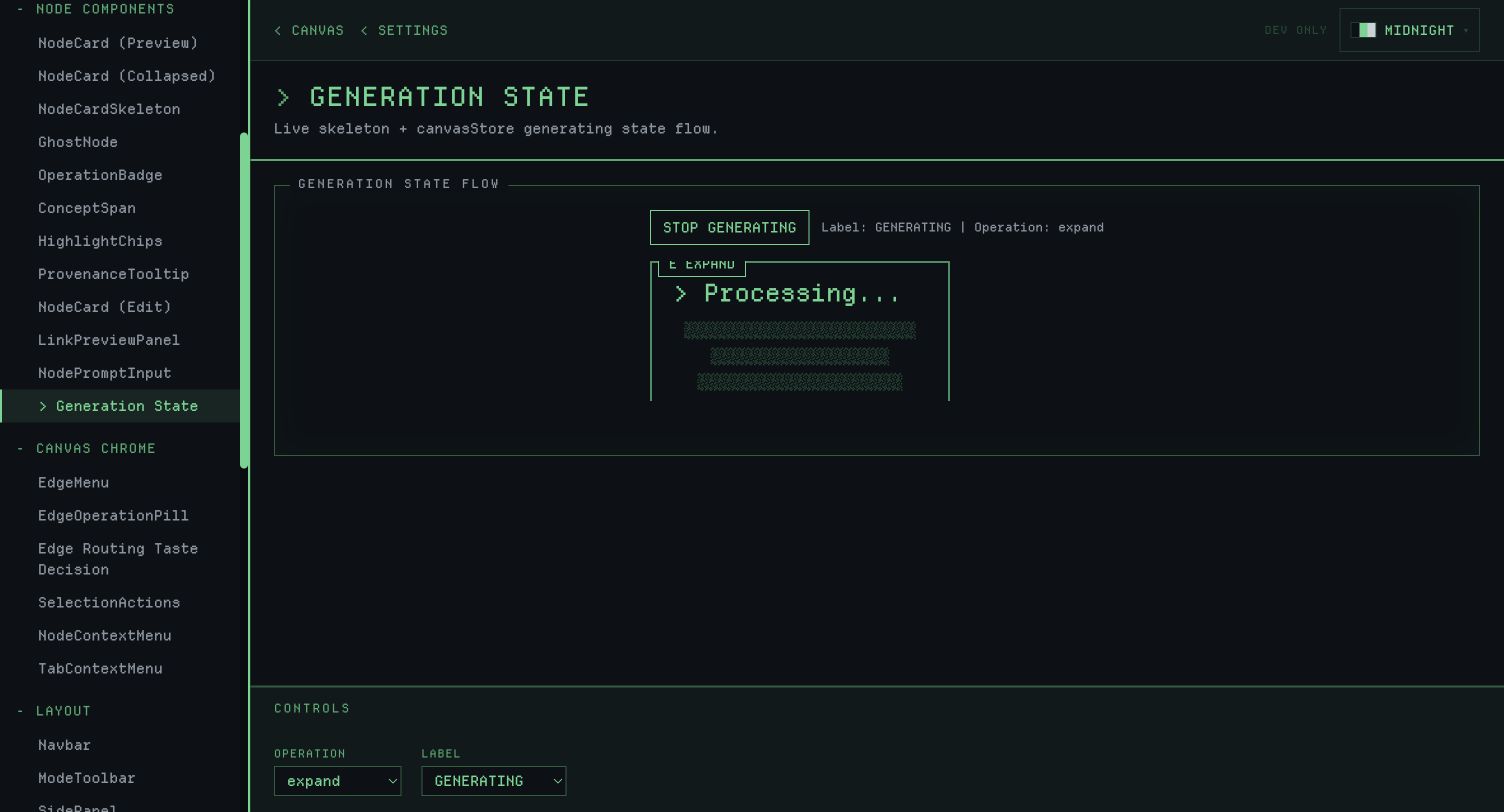
A sandbox capture of the processing state for the node-generation operations.
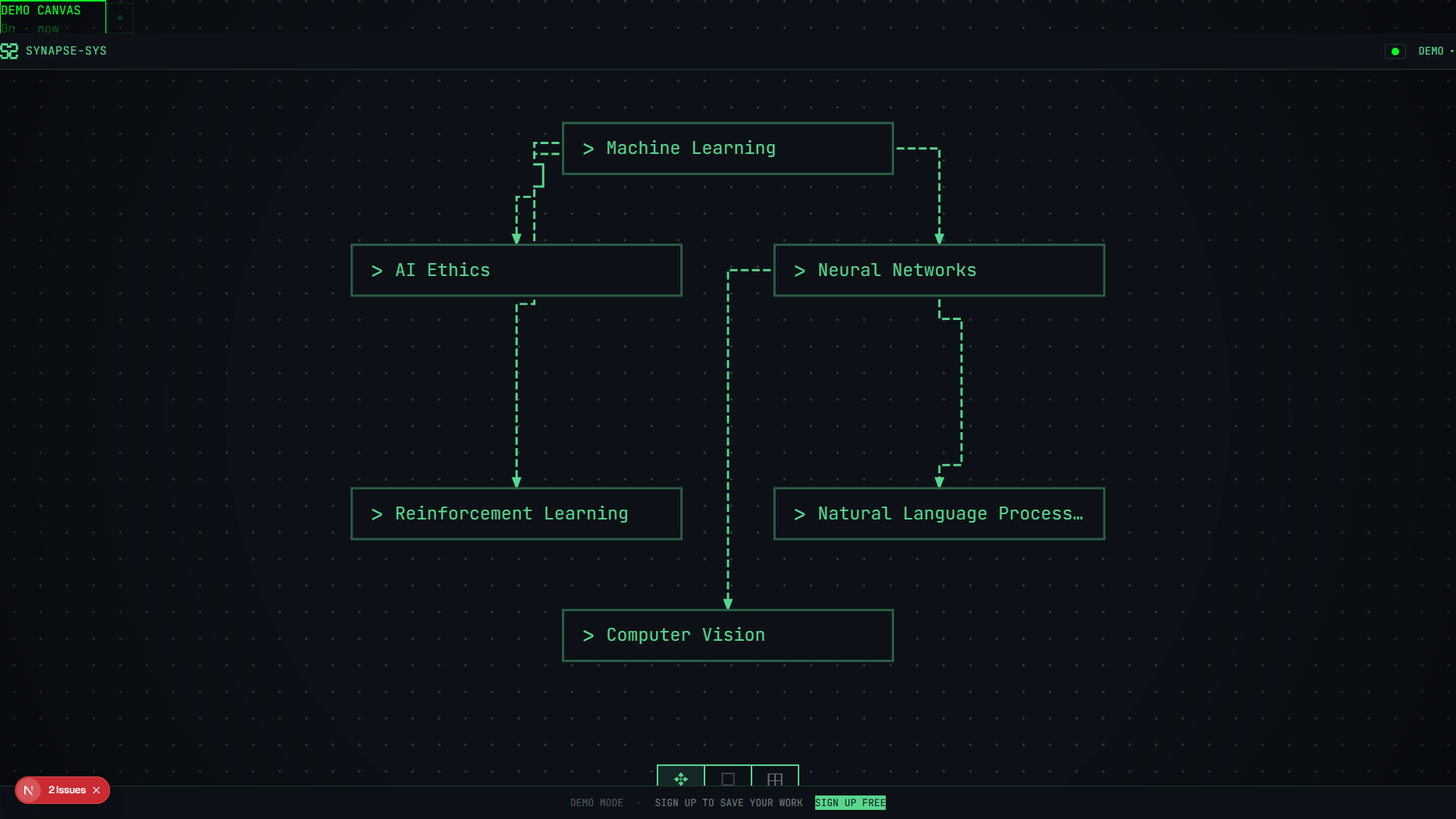
- Earlier visual system
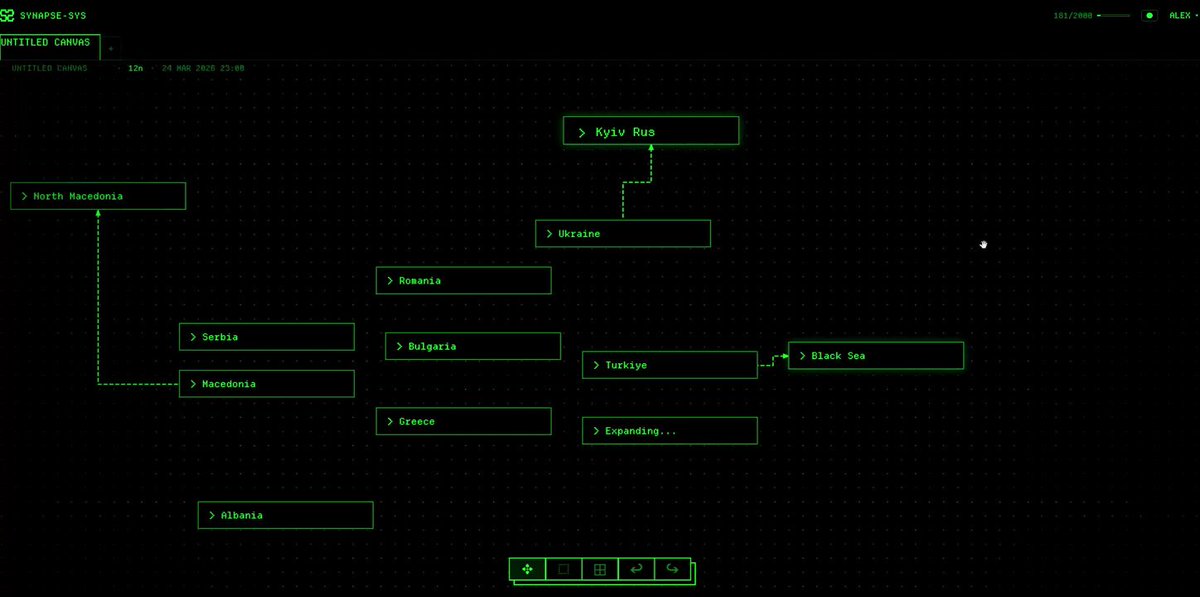
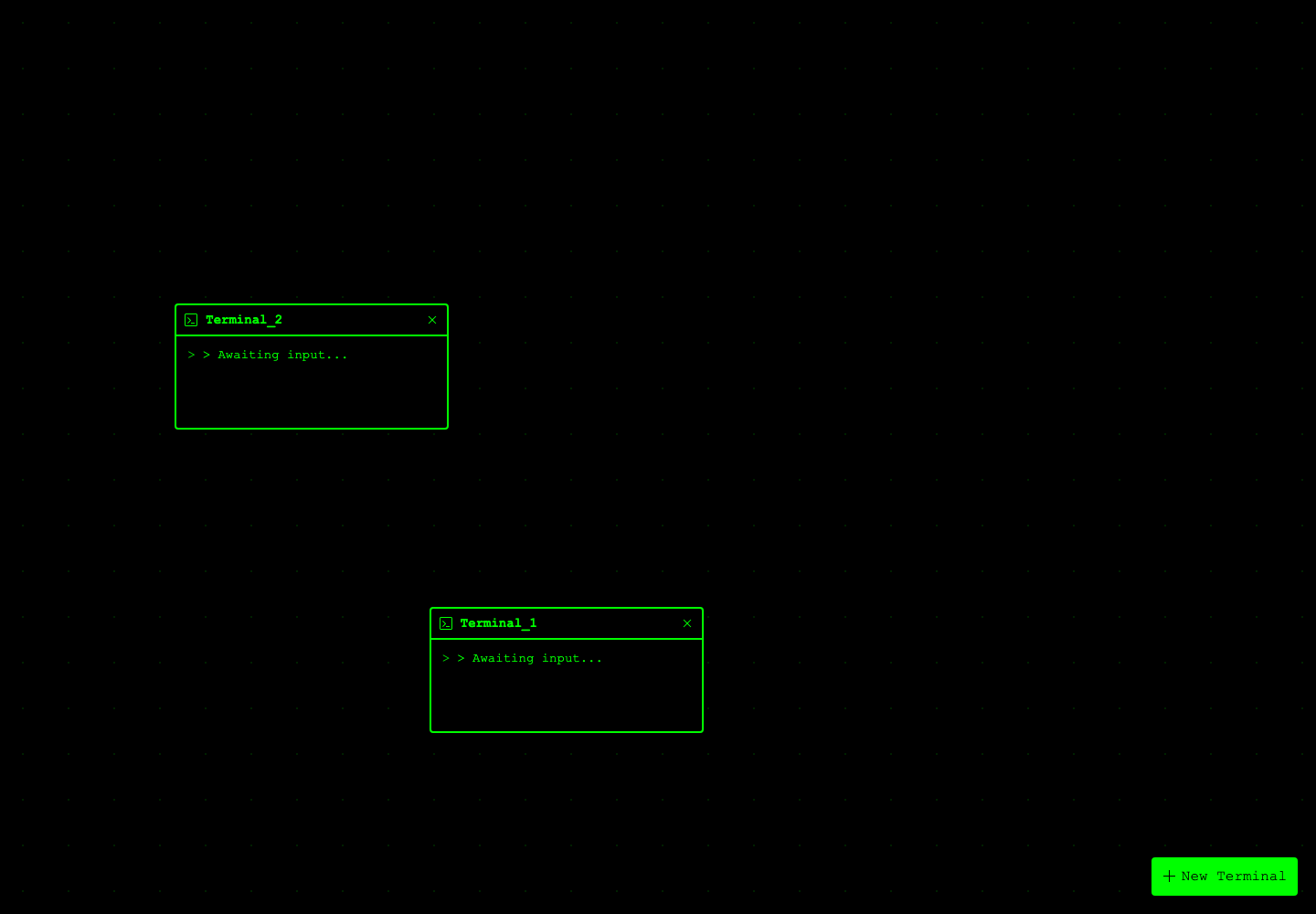
The terminal theme, node cards and toolbar, before the calmer closed-beta direction.
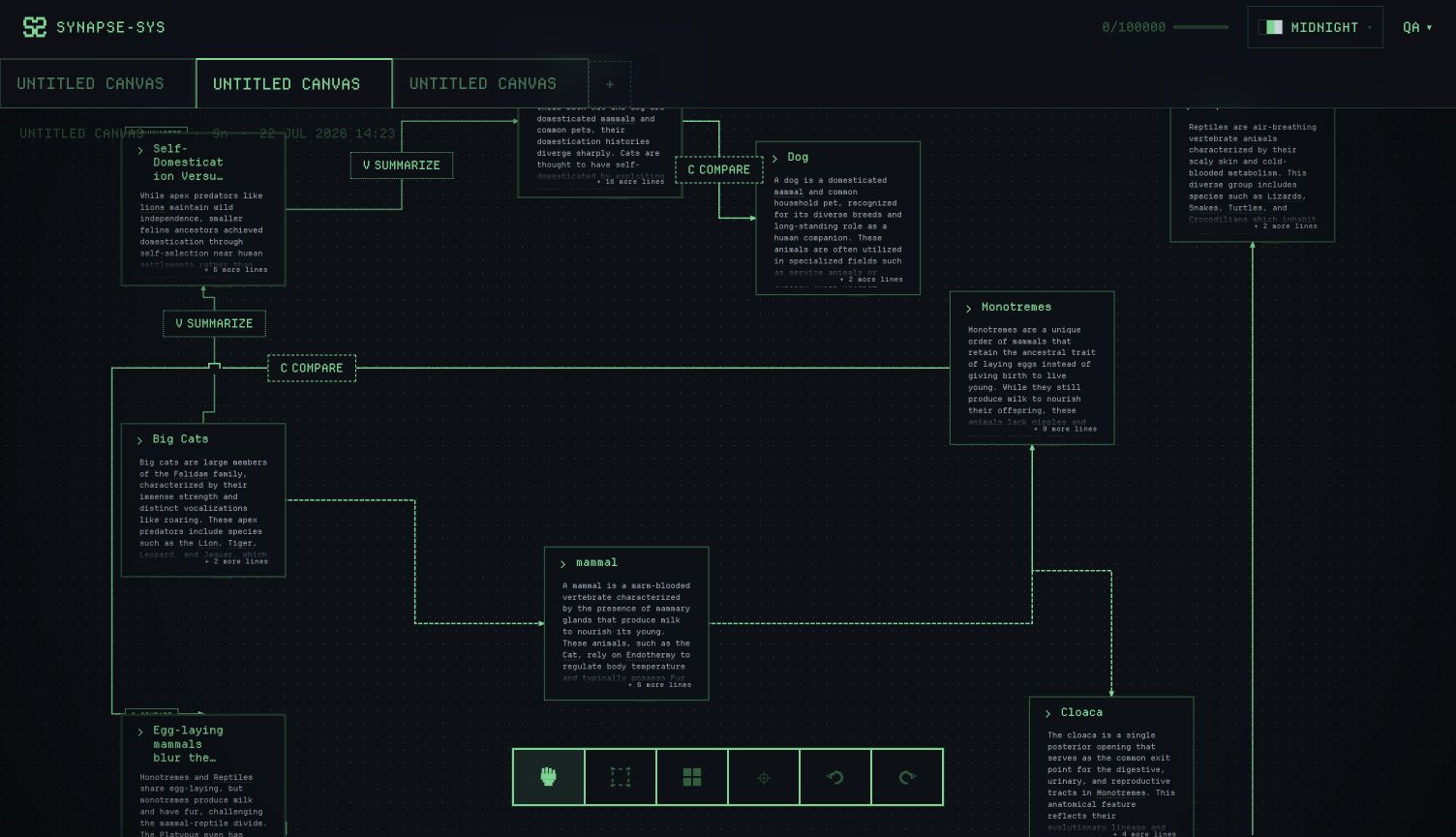
- Dense canvas
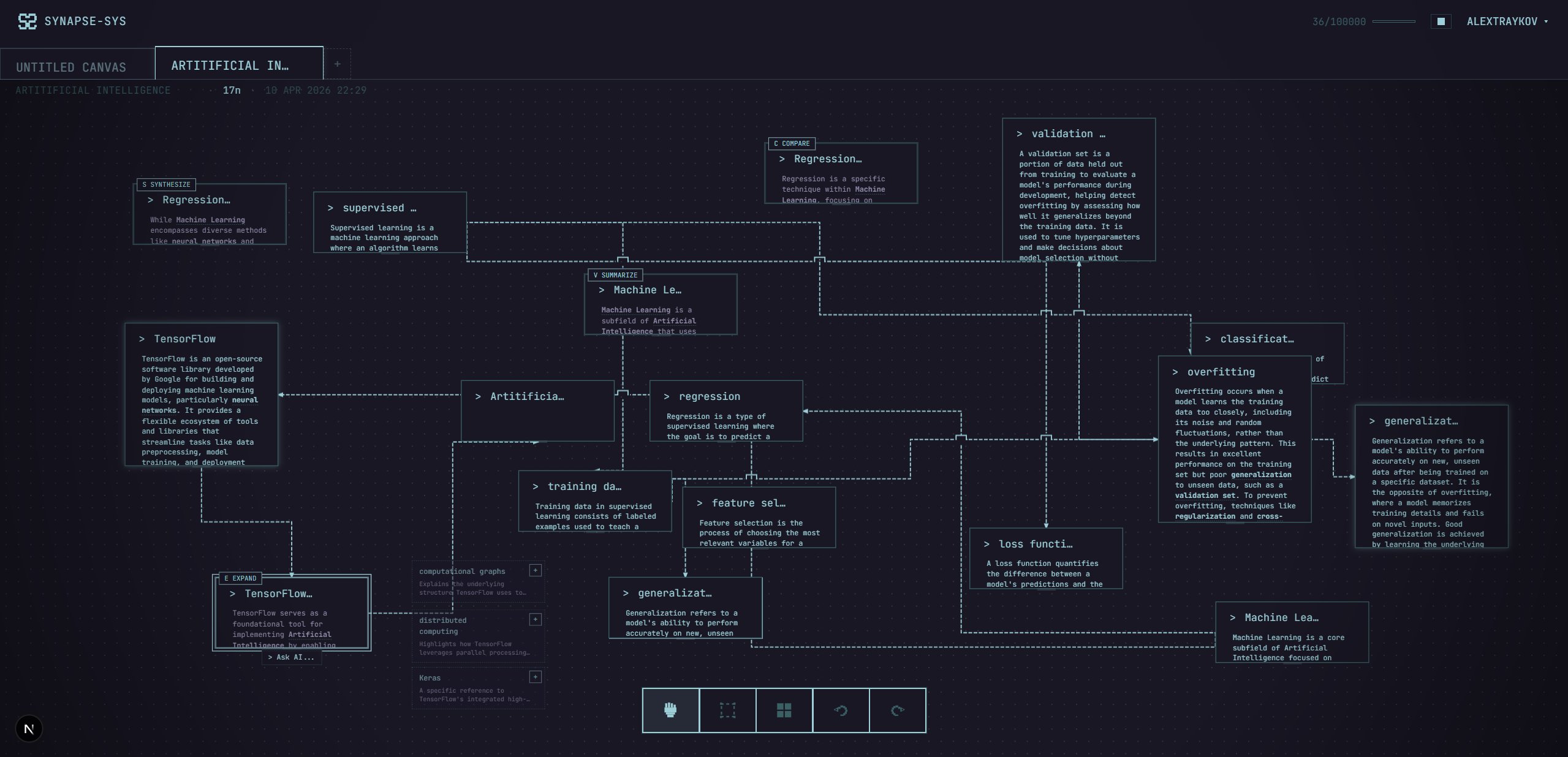
Generated material, operation labels, routes and selection visible at once.
- Closed beta
Functional, nearing launch.
Bring AI results back into the structure
If AI made something, it had to come back as part of the person's structure: movable, editable, connectable, and useful as input to the next operation. Anything less is a chat box with a canvas painted behind it.
Turn a relationship into an operation
The loop had to make sense without an onboarding tour. Bring material into the canvas, connect two nodes, choose expand, compare, synthesise or summarise, then get a result back between the original ideas.
That is the part people see first. The more interesting part is that the result is not a chat response pretending to be a feature. It is a real node in the graph, with lineage back to the relationship that made it.
Give sharing a real boundary
Sharing was another place where a nice demo could turn into a bad product call. These maps can hold source material, half-formed ideas and decisions. If anyone with a link could change the original, that would have been a crap collaboration experience with no safety in mind.
So I kept the first version simple. Owners choose a 7, 30 or 90-day link, set it to view-only or forkable, and can revoke it. A fork copies the nodes, edges and groups into a new canvas in the other person's account. Nobody gets to change the original by accident.
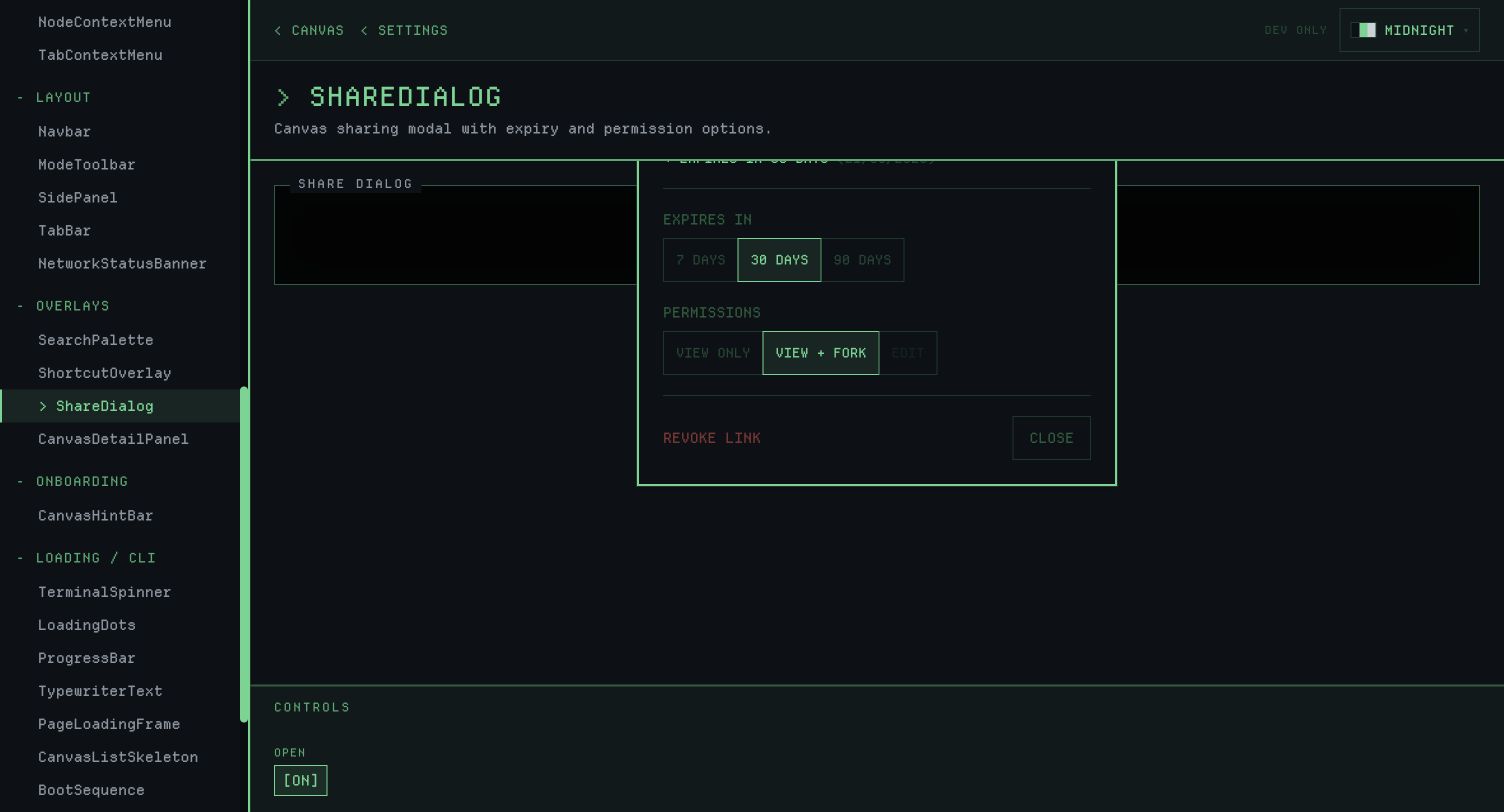
The early share setup still has a weak spot: it does not preview what the recipient will see, or make the read-only state obvious enough. That is the next thing I would fix before a public launch, ahead of any bigger collaboration roadmap.
Build the product around the demo
The graph interaction was the hook, but it could not be the whole product.
To be usable, Synapse-Sys needed people to have accounts, recover access, own a canvas, share it safely, fork it, export it, understand their AI budget and get useful errors when something went wrong. The closed beta includes authentication, protected routes, ownership checks, expiring share links, operation budgets, rate limits, error reporting, settings, pricing, onboarding and public share pages.
Cmd + K searches canvases or nodes. Type > to switch into commands for navigation, views and themes. It keeps a growing product keyboard-first instead of making people hunt through controls.The architecture follows the same boundary as the interaction. The client shows pending work; the server owns durable graph mutation, auth checks, budget enforcement, prompt construction, provider calls and output validation.
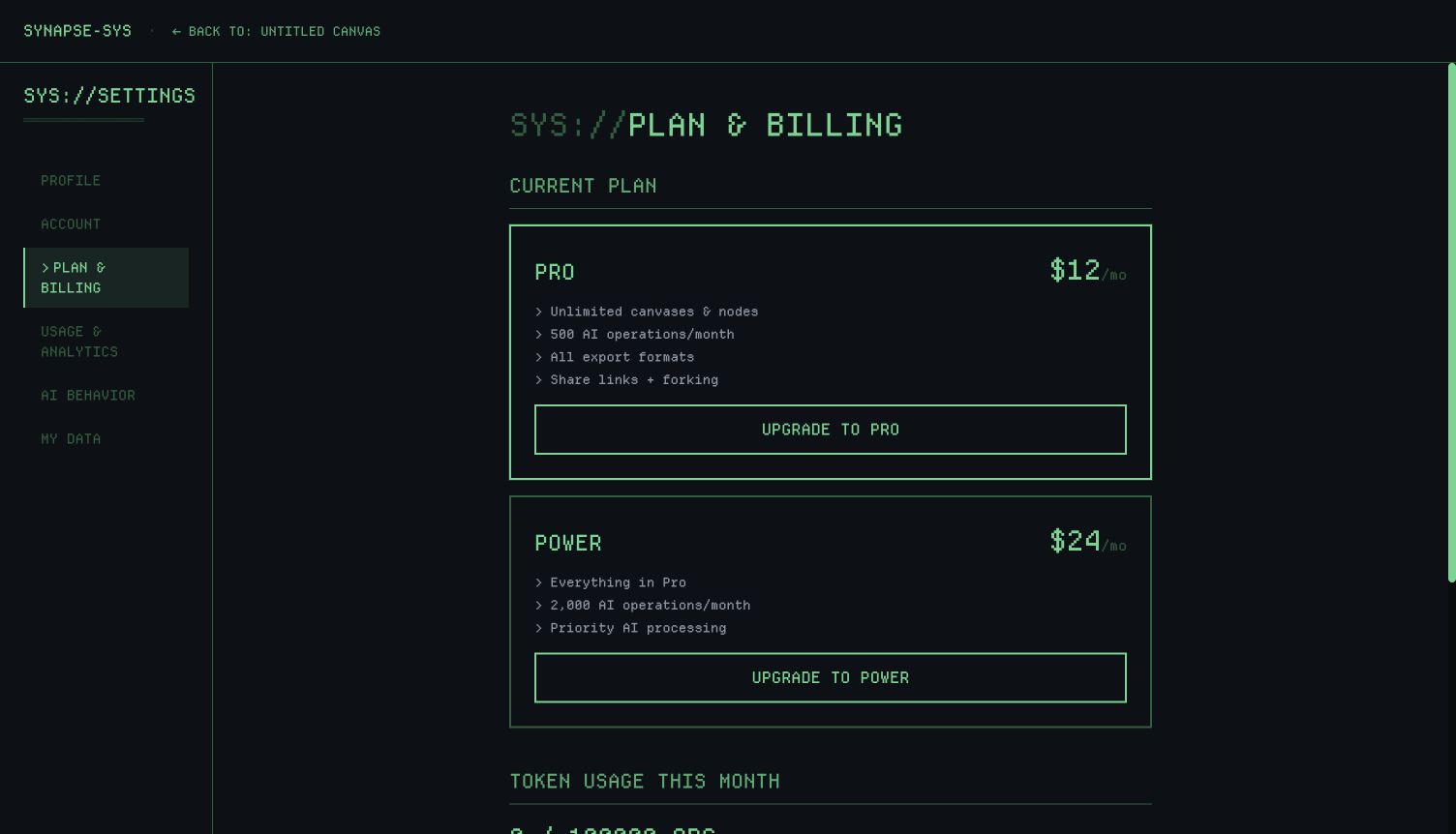
Billing made that less theoretical. The project started on Lemon Squeezy, and after a merchant rejection I looked at moving to Stripe. Stripe solved the immediate issue but put tax handling back on the product. Ew. Can't deal with that. My only viable move was Polar as Merchant of Record. Because billing sits behind a provider interface, none of those changes meant rewriting pricing, plan state or AI budgets. The pricing and checkout flows are built; paid checkout stays off while the closed beta runs.
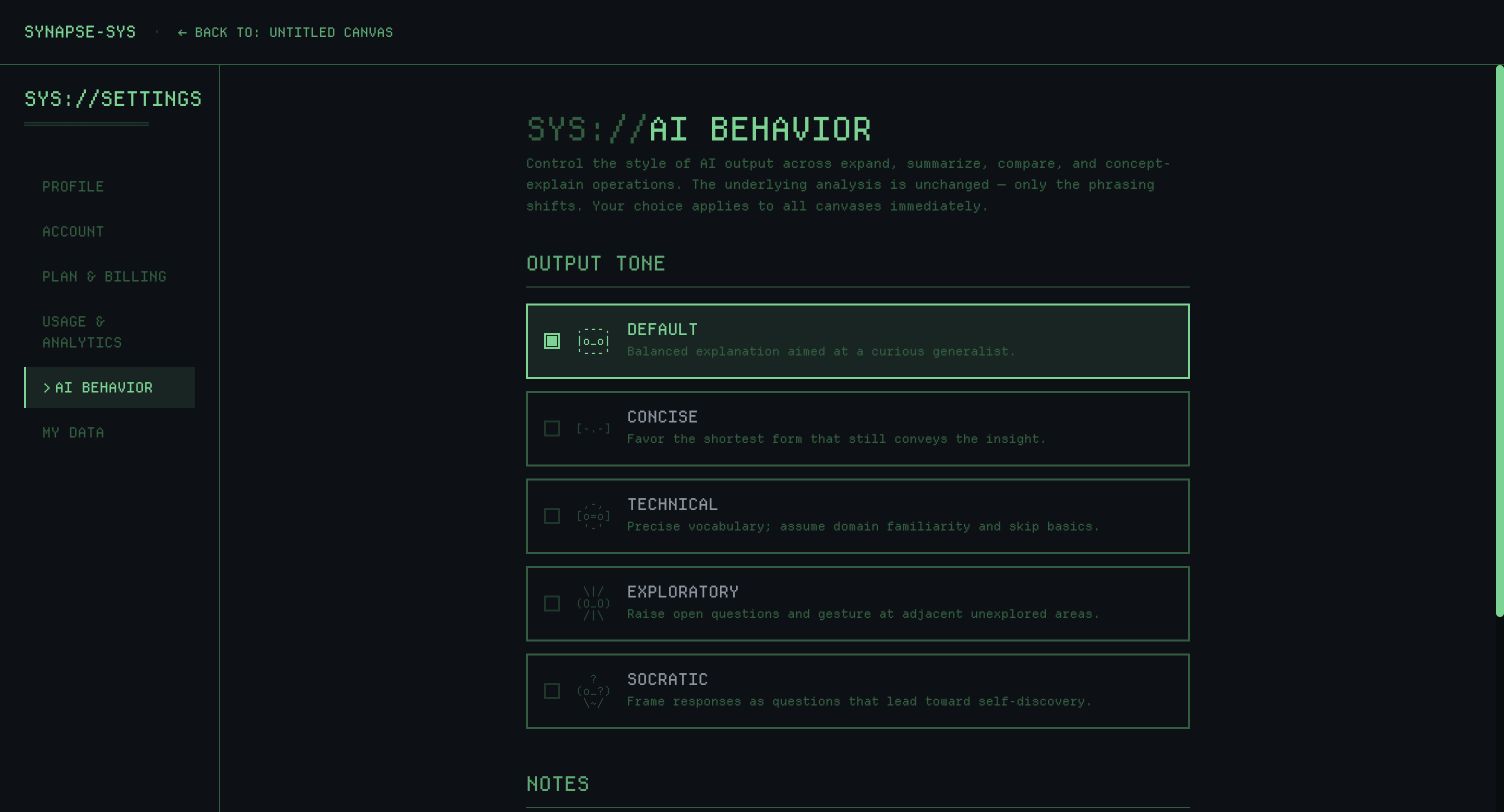
AI operations needed the same thinking. A quick ghost suggestion does not need the same quality bar as a synthesis result. URL extraction needs SSRF protection; streaming needs cancellation, heartbeats and server-derived prompts. And every operation needs budget enforcement.
For rate limits, I chose to fail closed when Redis has a problem. That can block a legitimate person during infrastructure trouble. Failing open can mean uncontrolled spend or abuse. I chose the more annoying failure mode on purpose.
User-authored text is treated as content, never as trusted instruction. The server owns the operation spec, prompt construction, budget check, provider call and output validation before anything becomes canvas material.
Make the canvas hold under pressure
I chose hybrid rendering for the infinite canvas because neither obvious option did the full job. Konva handles the grid, edges, hit regions, connection previews and selection geometry; HTML renders editable node cards above the canvas using the same viewport transform. Nodes behave like interface objects (text selection, editing, resize handles, tooltips, buttons, context menus, accessible markup), while edges behave like graph geometry: routing, labels, invisible hit regions, bridge arcs and zoom-compensated strokes.
The price is coordination. Pan, zoom, drag, culling, selection, resize, hit-testing and side-panel focus all have to agree on one coordinate system. It is the least bad trade I found. It still glitches out from time to time, and that's the best I could manage with my limited engineering capabilities. What matters is that rich nodes stay editable and edges stay readable.
Once the canvas gets dense, edge routing matters as much as node design. I tried a clever PCB-style staircase fan-out with shared ports because it looked impressive. It only looked impressive; it was way worse to read. The version I kept uses orthogonal paths, clear elbow stubs, obstacle avoidance, bridge arcs, labels and priority rules for selected, hovered and active edges. Don't ask me how many hours I sank into getting this right.
The useful test is simple: can someone follow one relationship once the graph gets busy? “Look at this routing algorithm” is not a user job.
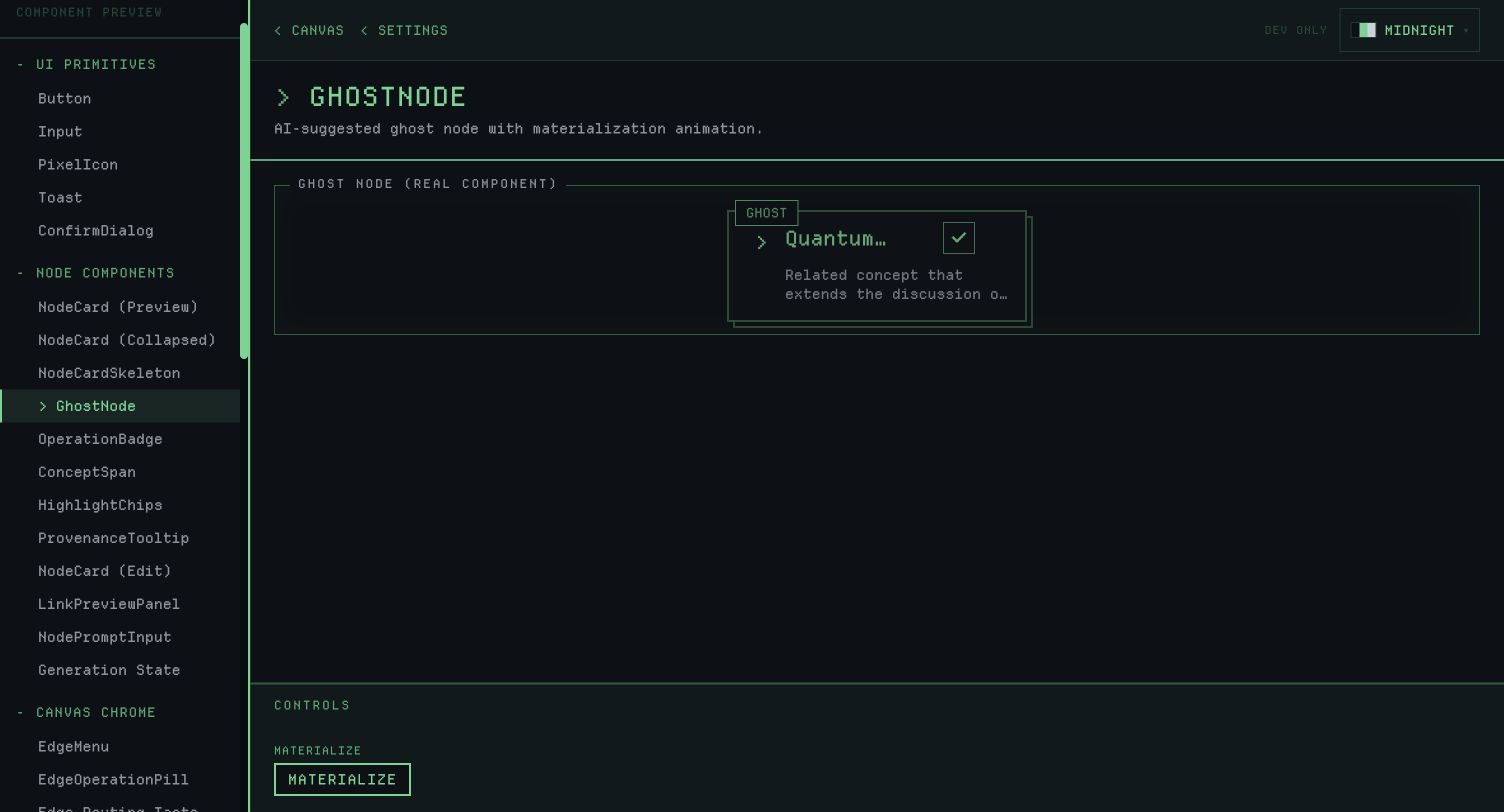
AI suggestions had their own version of the same problem. If every related concept becomes a permanent node, the canvas turns into an AI cleanup job. So suggestions became ghost nodes: visible and connected, but outside the committed graph until somebody accepts them.
The authorship boundary is the commit. Visible does not mean accepted.
Canvas performance is part of trust too. If panning stutters, zoom jumps away from the cursor or selected nodes disappear during culling, the map stops feeling like a place where somebody can think.
The work includes cursor-stable zoom, trackpad behaviour closer to Figma, viewport culling, selected-node protection, touch handling, gesture throttling and session-only positions while a person is moving nodes.
Keep the visual identity useful
The first direction was black, phosphor green, VT323, pixel shadows, scanlines and terminal boot behaviour. It gave Synapse-Sys a shape fast. It also made nearly every surface shout.
I kept the terminal character and made it support the canvas: secondary greens, reduced glow, better contrast, fixed wrapping, clearer tooltips and node passes that put content first.
Glow became an interaction signal instead of wallpaper. Orthogonal edges, operation labels, selected-route priority and provisional ghost nodes make relationships readable as actions rather than decoration.
Work with LLMs without handing them the product
I built Synapse-Sys with heavy LLM assistance. Like, heavy. The models made execution much faster, and they unblocked me in areas where I had no prior experience: security, databases, accounts, auth, backend. What they did not decide was how the product worked, where data could move, what counted as finished or which failures needed attention first.
The useful constraints were simple:
- Architecture rules defined product and security boundaries.
- Phase plans kept implementation work scoped.
- Product and interaction specs defined behaviour before code.
- Design audits turned weak points into implementation waves.
- Server-action rules prevented casual client-side data mutation.
- Tests protected routing, culling, budgets, imports, sharing and edge operations.
The models are excellent at executing a decided interaction, and equally excellent at turning an undecided one into 600 plausible lines of future regret. Whenever my rule was vague, the code made the vagueness more expensive.
What is left before launch
The product works. I have not publicly launched it or measured adoption, retention, activation, generated-node reuse or ghost-node acceptance. Before launch, the work is the boring but necessary kind:
- Measure the activation loop: first node, first edge, first AI operation, first branch and first share.
- Move onboarding state server-side so it survives devices.
- Close RLS migration drift and add more integration coverage around the database, RLS and webhooks.
- Keep reducing visual noise so the terminal identity supports content.
- Build a small template gallery before adding more AI operations.
In short
The first fast version of Synapse-Sys had one strong demo and an unsafe core interaction. The closed beta survived contact with a much less flattering set of conditions than the demo: accounts, sharing, budgets, billing, rate limits and a canvas that has to stay put under the cursor. That is where it is now: functional, close to launch, and still waiting for the harder answer, which is whether people come back to use it again.